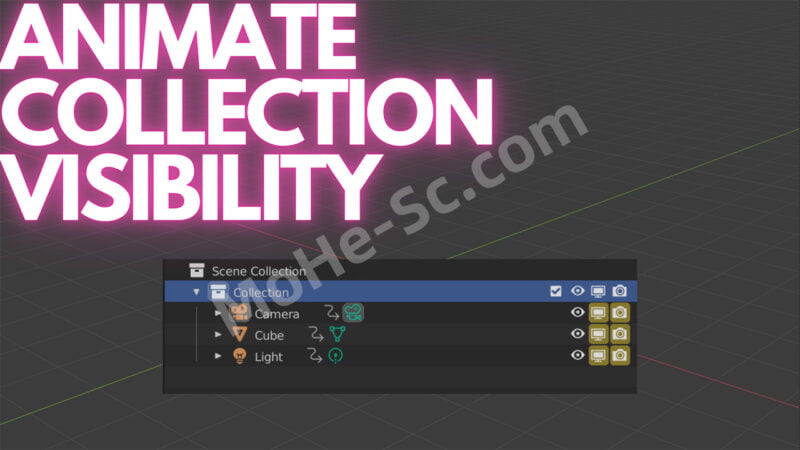



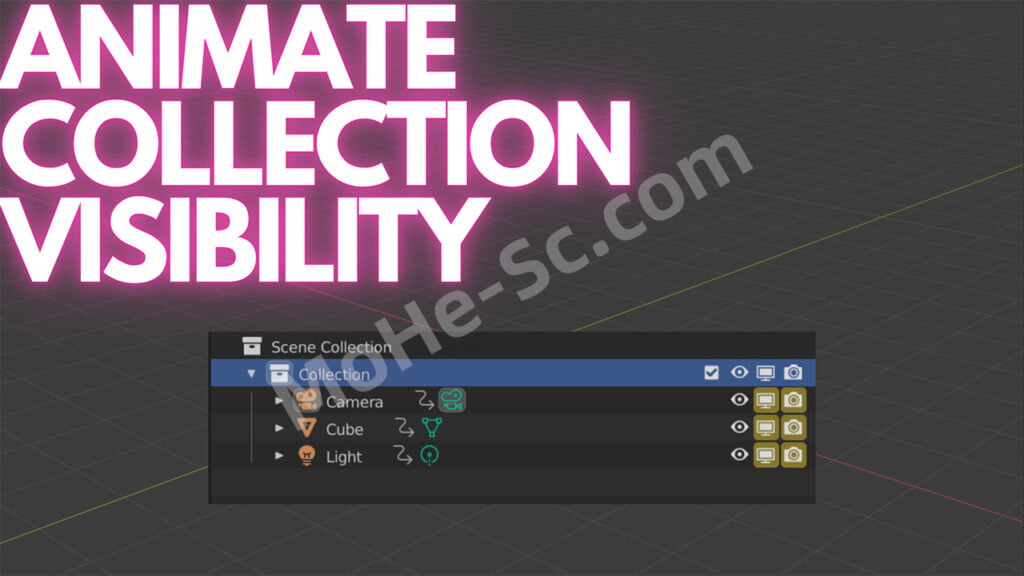
立即切换另一个集合内的所有集合/对象。这将通过关闭视口和渲染模式下的可见性来帮助释放内存。
通过高亮显示集合(使其具有蓝色高亮显示),您可以按 Shift+Q 键,使所有视口/渲染的可见性切换与您的集合匹配,并为其提供关键帧。这是在开发时考虑到了建筑可视化,因此您可以在一夜之间让渲染停止,这将帮助您低于 GPU 的内存限制以实现快速渲染。如果在选择集合时按 Shift+T,它将删除该集合中的所有关键帧。
这是为了与 Blender 2.93+ 一起使用而制作的。
Instantly toggle all collections/objects inside of another collection. This will help free up memory by turning off visibility in both the viewport and rendered mode.
By highlighting the collection (so it has a blue highlight) you can then hit Shift+Q to make all viewport/rendered visibility toggles match your collection and also give them a keyframe. This was developed with Archviz in mind, so that you can let a render go overnight and it will help get your under your GPUs memory limit for fast renders. If you hit Shift+T while a collection is selected it will remove all keyframes in that collection.
This was made to work with Blender 2.93+.
支持的Blender版本:
- 2.93, 3.0, 3.1, 3.2, 3.3, 3.4, 3.5, 3.6, 4.0
![年底收官巨献,AIGC行业全平台设计工具网站正式上线,助力创作者突破创作瓶颈,开启高效创作之旅[已下线]-MOHE素材库-设计行业的乐园,各类素材的矿山!](https://www.mohe-sc.com/wp-content/uploads/2024/12/Ai.turnfish.top_-800x450.jpg)










暂无评论内容